SFMC Made Easy
From Brief to email in minutes!
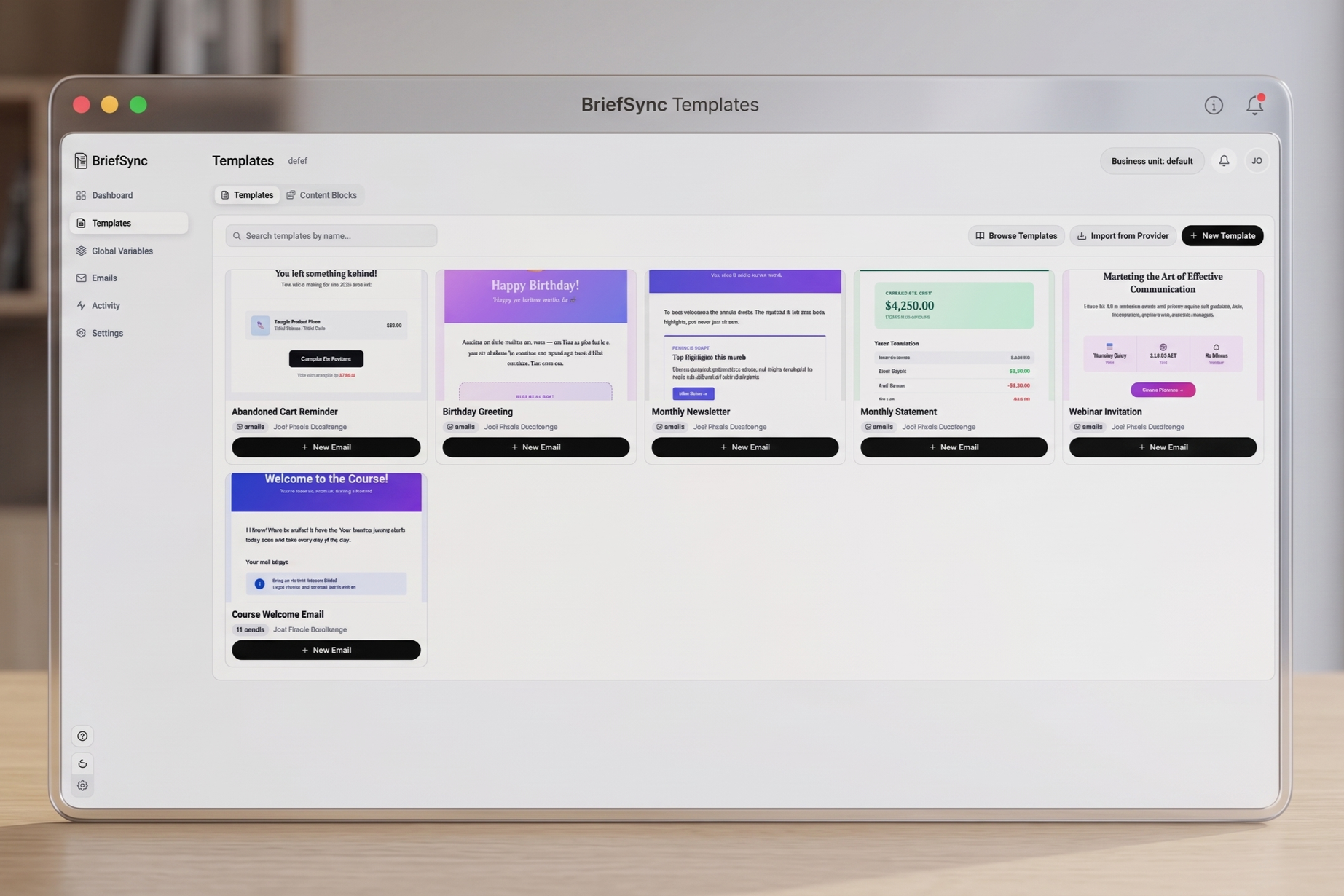
How it works
Step 1
Select Your Template
Start with one of our templates or import your own, and let BriefSync handle the AMPscript automatically.
Step 2
Collab and Sync
Draft your content, choose images for each audience segment, and sync everything directly to SFMC.
Step 3
Live Preview & Test
Preview every email variation from your brief in real time, then send a live test directly to your inbox.
Step 4
Send!
Program your send in SFMC, and it will automatically follow the segmentation rules you selected in BriefSync. Voilà!
Empowering the entire email lifecycle
For Copyrighters
Write and manage multi-language copy variations in one simple interface. No more messy spreadsheets or worrying about how your text fits into complex AMPscript blocks.
For Designers
Upload your HTML and see your vision come to life across every segment instantly. Ensure brand consistency without having to manually build dozens of localized versions.
For Email Specialists
Automate the tedious mapping of data extensions and primary keys. Sync production-ready, hyper-segmented emails to SFMC with a single click—zero errors, zero stress.
Ready to Sync?
Stop coding. Start Syncing. Join the future of SFMC production.
| Feature | Manual SFMC Workflow | With BriefSync |
|---|---|---|
| Multi-Language | Manual blocks per locale | One-click auto-sync |
| Segmentation | Custom & complex AMPscript | Automated AMPscript |
| Time to Production | 2–5 days per campaign | Ready in an hour |
| Ease of Use | Requires AMPscript expertise | Intuitive fill-in-the-blanks |
| QA & Testing | High risk of copy-paste errors | Collaborative environment |